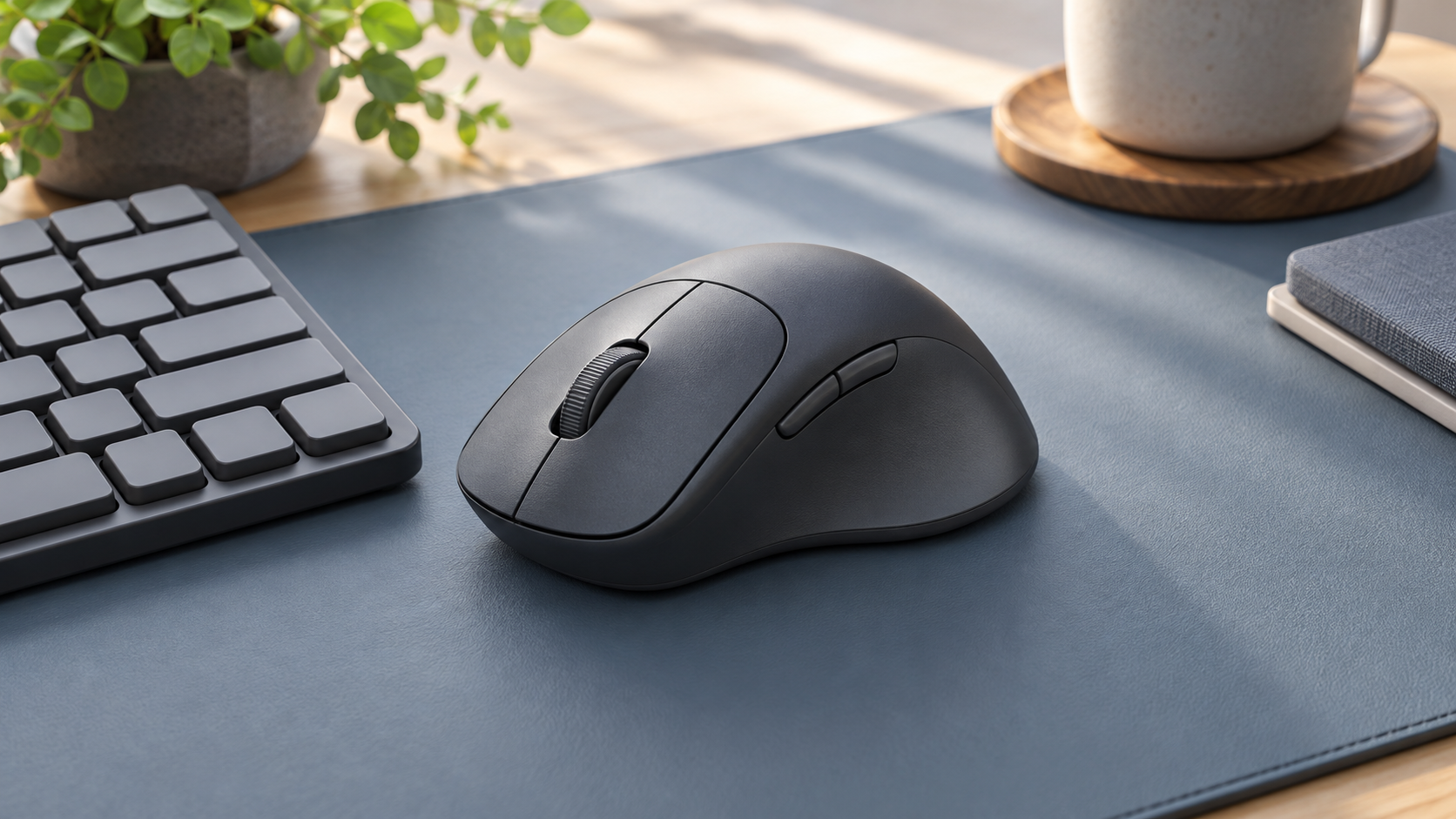
Microsoft’s PowerToys release v0.102.2933.0, published October 21, adds two mouse utilities. Mouse Button Lock lets a user briefly hold a button, release it and continue a drag or selection until another click ends it. CursorHide removes the pointer while typing, after inactivity, or both, and restores it when the mouse moves.
The release also adds a quick-access shelf for Command Palette and on-device speech transcription for ZoomIt snips. Microsoft describes the button-lock feature as useful for people who find sustained button presses difficult, as well as applications involving extensive dragging. The announcement is a feature description, not a clinical assessment or evidence that one configuration suits everyone.
NAOAT analysis
Small input changes can matter in a workflow repeated throughout the day. A demonstration on an empty desktop is less informative than trying the actual selection, diagramming or document task an employee performs. The evaluation should include how the operation starts, how it stops and how easily the user can recover from an unintended selection.
The two mouse utilities also solve different problems. A person seeking less effort during a long drag may benefit from a persistent button state, while someone who loses track of the pointer may prefer it to remain visible. Treating each utility as an individual preference allows employees to test a change without accepting an entire bundle of altered behavior.
For workplace support teams, a short configuration record can make experimentation manageable: the enabled utility, its trigger, the relevant applications and the way to turn it off. Screen-sharing and training sessions are useful contexts to include in the trial, since another person may need to understand what the pointer is doing. Success is a more comfortable, predictable task for the user, rather than simply a higher count of enabled features.